
Download ZoZo – content assistant, AI writing tool, shortcut app, content sharing, productivity app, AI content generator
Overview
ZoZo is a free Android application designed to streamline content management and enhance digital productivity. Positioned as an all-in-one content assistant, the app aims to reduce the friction associated with sharing and organizing digital content across multiple platforms. It caters primarily to content creators, influencers, freelancers, and individuals who rely heavily on their smartphones for communication and content distribution. By integrating AI-powered tools with intuitive sharing features, ZoZo enables users to access, store, and distribute text, URLs, photos, and documents with minimal effort.
The app’s core value lies in its ability to eliminate the need for constant app-switching. Instead of copying and pasting content between applications, users can leverage built-in shortcuts to share materials instantly with platforms like Facebook, Instagram, Gmail, and others. This seamless integration supports real-world use cases such as posting social media updates, compiling research materials, or drafting messages on the go. The inclusion of an AI writing assistant powered by GPT-4 suggests a focus on enhancing content quality and ideation, particularly for users engaged in frequent writing tasks.
Developed by ZoZo Labs, the app represents a growing trend in productivity tools that combine automation, AI assistance, and cross-app functionality. Although the developer did not provide additional technical details, the app’s release on Android with a modest file size of 45 MB indicates a lightweight, accessible design. Its availability as a free download underscores its accessibility, making it a viable option for users seeking efficient content workflows without upfront costs.
Key Features & Functionality
- One-Click Content Sharing: Users can share text, URLs, photos, and documents across popular platforms with a single tap, reducing the need to switch between apps.
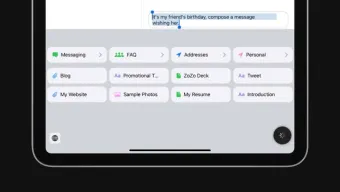
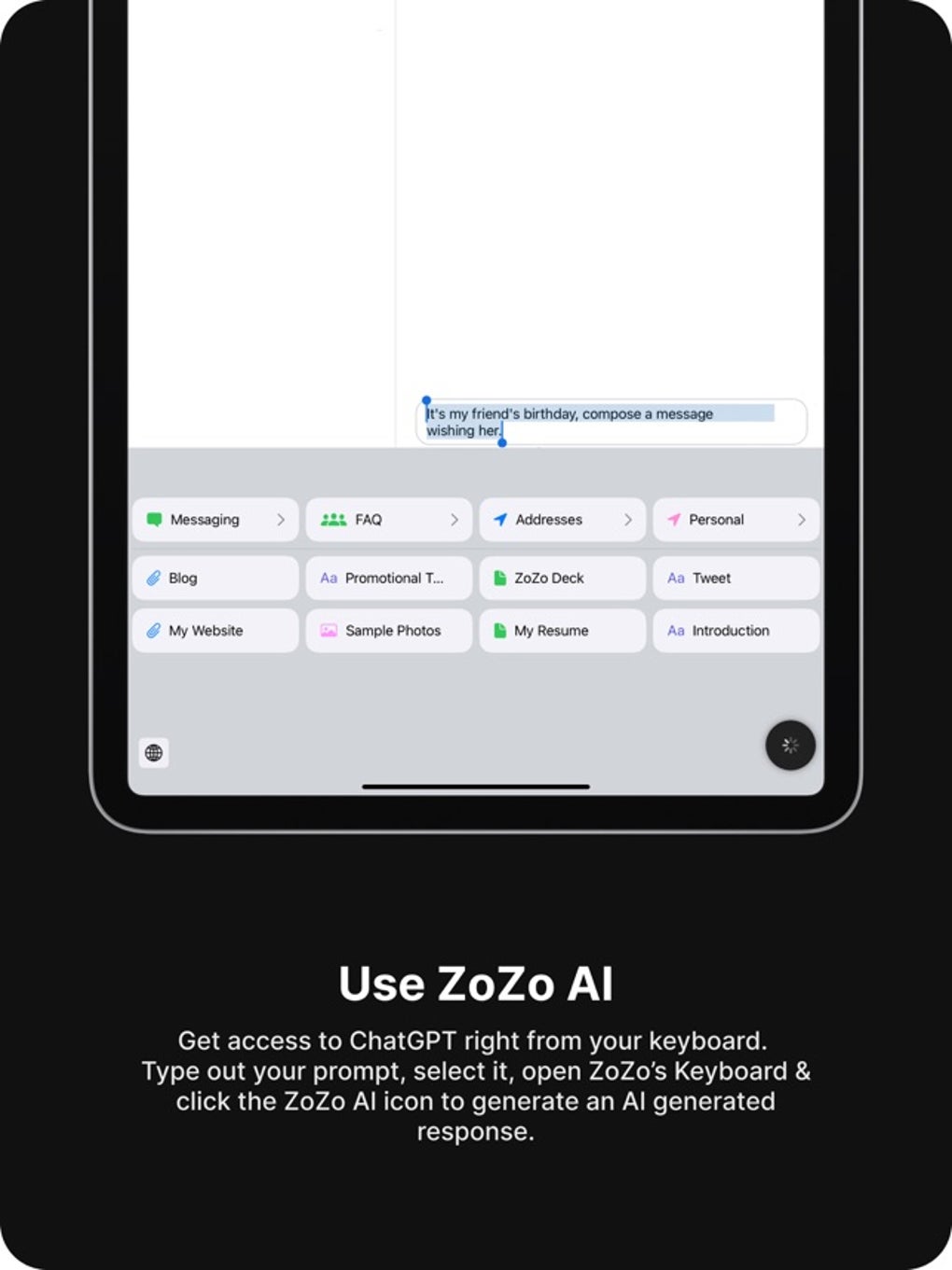
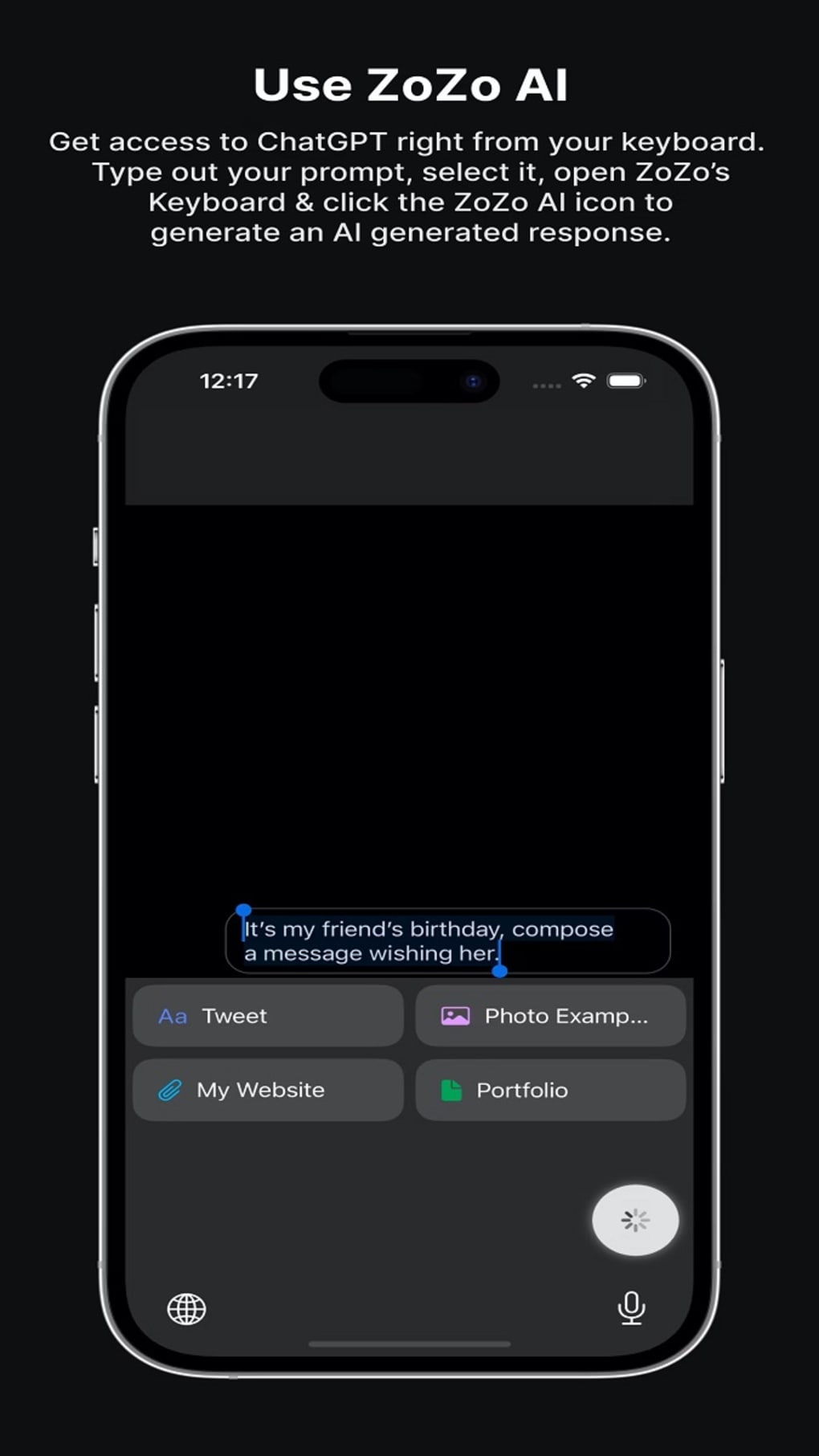
- AI-Powered Writing Assistant: Integrated with GPT-4, the app supports real-time content generation, helping users draft compelling messages, posts, or articles.
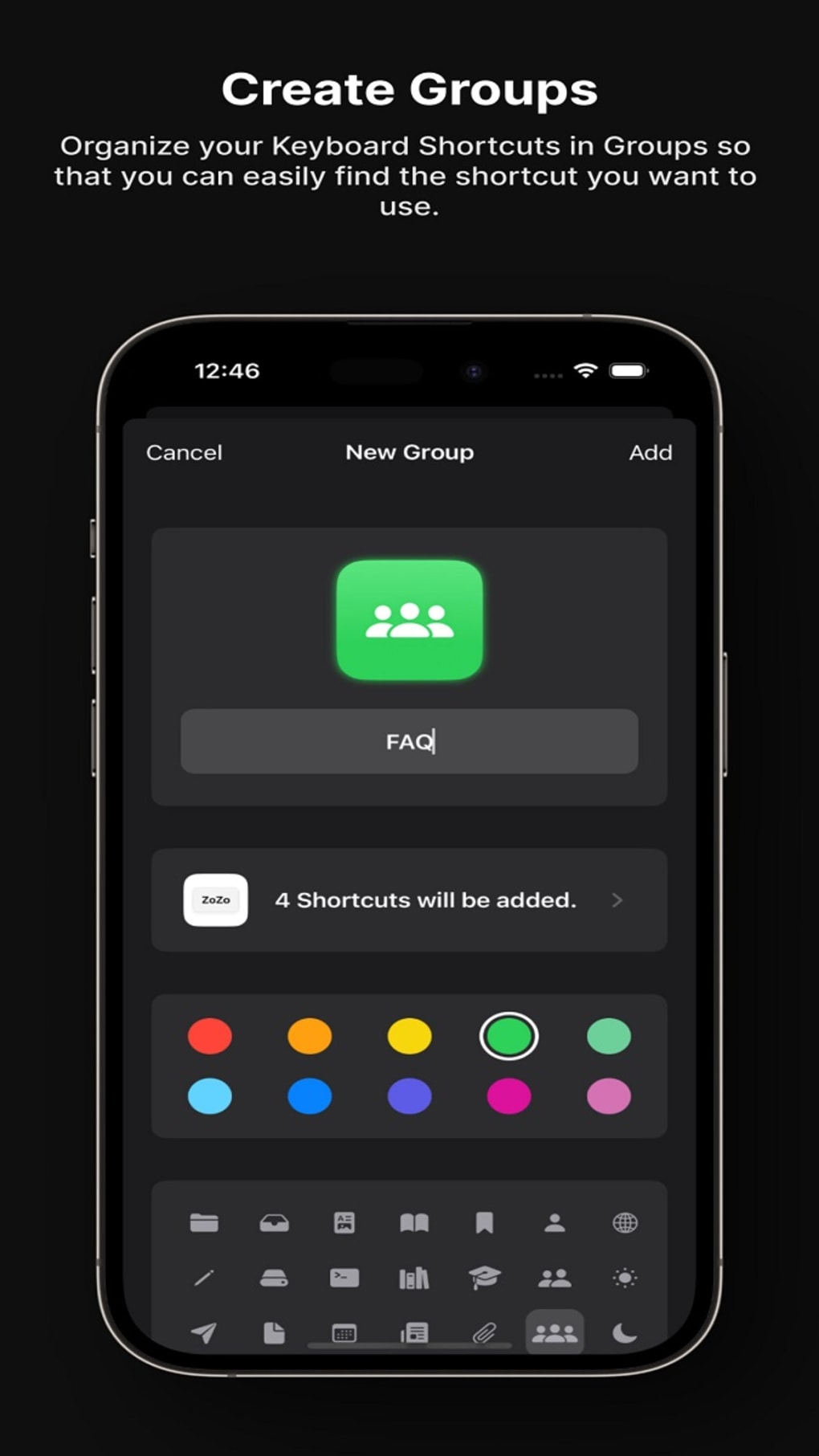
- Customizable Shortcuts: The app allows users to create and manage shortcuts for frequently used content, improving workflow efficiency.
- Multi-Platform Integration: Direct sharing capabilities with Facebook, Instagram, Gmail, and other widely used platforms enhance connectivity.
- Pro Subscription Features: The paid variant offers advanced tools such as Siri Shortcut integration, unlimited keyboard shortcuts, custom app icons, and personalized color schemes.
These features serve practical purposes in daily digital workflows. For example, a content creator preparing a social media campaign can draft a post using the AI assistant, store it in ZoZo, and share it across platforms instantly. Similarly, a freelancer managing client communications can save templates and access them with a single action. The AI writing tool is particularly beneficial for overcoming writer’s block or refining tone and clarity in messages. The Pro version expands these capabilities, offering deeper customization for users who rely on the app as a central hub for their digital output.
Interface, UX & Performance
ZoZo features a clean, minimalist interface designed to prioritize usability and speed. The layout emphasizes accessibility, with key functions like content sharing and AI assistance prominently displayed. Navigation appears intuitive, allowing users to quickly access stored content, create new shortcuts, or initiate AI-generated drafts. The visual style is modern and functional, avoiding clutter while maintaining a professional aesthetic.
Although the developer did not list formal performance metrics, the app’s 45 MB file size suggests optimized resource usage, which likely contributes to smooth performance on mid-range and high-end Android devices. Users can expect responsive interactions, with minimal lag during content creation and sharing. The app’s stability appears consistent with its purpose as a productivity tool, though specific feedback on crash rates or background behavior was not provided.
Performance across different device categories remains generally reliable, particularly on devices running recent Android versions. The app’s lightweight nature supports efficient operation even on devices with limited storage or processing power. However, compatibility with older Android versions was not disclosed, so users with legacy systems may encounter limitations.
Platform Compatibility & Technical Requirements
ZoZo is available exclusively on the Android platform, with the current version being 1.4.0. The app has a file size of 45 MB, making it a lightweight download suitable for users with limited storage space. It is currently offered as a free application, with no upfront cost for installation or basic functionality.
The developer did not specify minimum OS requirements or compatibility details beyond the platform. As such, users should ensure their device meets standard Android system criteria for app installation. Specific hardware or software prerequisites were not listed, and no information was provided regarding support for tablets or foldable devices.
Pros and Cons
Pros
- Free to download and use with no immediate cost barrier.
- Intuitive interface designed for fast content sharing and organization.
- AI writing assistant powered by GPT-4 enhances content quality and ideation.
- One-click sharing across major platforms reduces workflow friction.
- Pro version offers advanced customization and integration options.
Cons
- Free version includes limitations that may hinder advanced users.
- Specific technical requirements and OS compatibility were not disclosed.
- Limited information on performance across older or low-end devices.
- Exclusive Android availability excludes iOS users.
- No public details on data privacy policies or security measures.
FAQ
Is ZoZo available for iOS devices?
ZoZo is currently only available on the Android platform. There is no official release for iOS at this time.
Can I use ZoZo without a subscription?
Yes, the app is free to download and use. However, some advanced features are reserved for the Pro subscription.
Does ZoZo require internet access?
Yes, internet connectivity is required to use the AI writing assistant and share content across platforms.
How often is ZoZo updated?
The latest version is 1.4.0, released on May 15, 2024. Regular updates are expected, though specific release schedules were not provided.
Is my data safe when using ZoZo?
The developer did not disclose detailed information on data handling or privacy practices. Users should exercise caution when sharing sensitive content.
Final Thoughts
ZoZo stands out as a practical, AI-enhanced productivity tool tailored for users who manage content across multiple platforms. Its combination of a smart shortcut system and GPT-4-powered writing assistance offers tangible benefits for content creators, freelancers, and digital communicators. While the free version provides a solid foundation, the Pro subscription unlocks deeper customization and integration, making it a worthwhile investment for power users.
The app’s lightweight design, clean interface, and focus on reducing digital friction align with modern productivity demands. Although some technical details remain undisclosed, its core functionality is well-executed and immediately useful. For anyone seeking to streamline their content workflow on Android, ZoZo delivers a compelling value proposition.
Download ZoZo now







